Make a game like Mothwell
Mothwell is a small Hollow Knight-style cavern: a hero who dashes, runs up walls and swings a nail in any direction, enemies that crawl and fly, rooms joined by doors, a shaft to climb, lamps in the dark and a background with depth. This guide shows how each of those is made, in the order you would build them. Give it an evening.
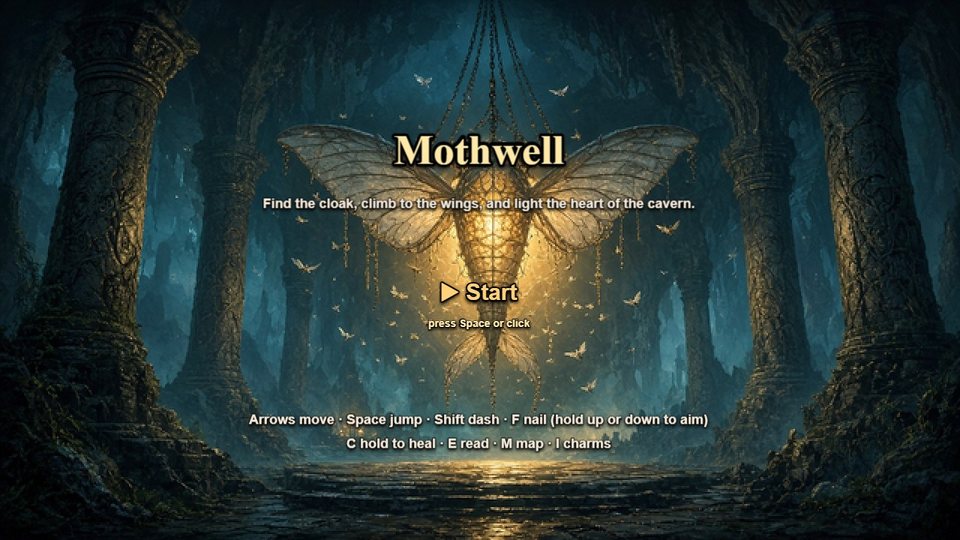
Two ways to use this guide. Build your own from a blank game, following each step — or open the finished one and look at how it is made: Studio → New game → Explorer → Mothwell → Use. It is yours to take apart. If you have never made a game here, do the Coin Dash guide first: it teaches the five steps this one builds on.
Plan the rooms
Step 1 · Your game, and step 3's level size
An explorer is a handful of screens joined by doors. Mothwell has five: a Title, the Lamp Hall (two screens wide), the dark Wick Chamber (two wide), The Wick Shaft (one wide and three tall — a climb) and The End.
- In Your game, press + Add screen for each room and name it. Mark the title with Start here.
- In Build the level, pick the screen and use Level size: 2 screens wide for a hall, 3 screens tall for a shaft. The camera follows the hero through anything bigger than one screen.
- Join rooms with Door from Stamps: put one in each room and give both the same pair name. The list under Keyboard shortcuts shows every pair, e.g. Door (Lamp Hall) ↔ Door (Wick Chamber).
Numbers that follow the hero, and numbers that don't. In Rules, a number marked kept between screens (geo, soul, "has the cloak") survives every door. One that resets each screen (how dark this room is) starts fresh every time the screen opens. Pick the wrong one and the cloak is forgotten at the first door.
The hero and how he moves
Step 2 · The cast
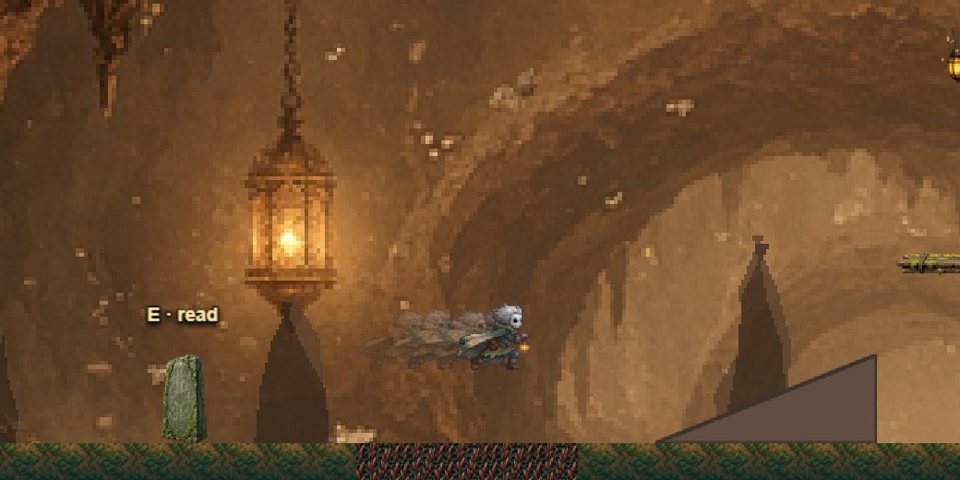
- Under Add someone, press Hero. It arrives able to walk and jump.
- Draw him: Draw with AI → Someone new, pick The hero, describe him in one sentence (Mothwell's: "a small moth-cloaked cave wanderer with pale grey skin, large dark eyes and an amber belt lamp") and choose the movements. The price shows before anything is spent. Or press Make a simple one now (free) for a code-drawn hero.
- On his card, tick what he can do: Can crouch, Squash & stretch, Can dash, Wall slide & wall jump, and Run up walls and cling. Leave the ones he should find later unticked — step 6 turns them on from a pickup.
- The feel lives in his Platformer ability. Mothwell's: fall 1.6× faster than he rises (a weighty landing), a 0.35 hang at the top of a jump, jump speed 560 against gravity 1400 — about 108px of jump.
Keep him one character. Each movement is drawn from the way he stands, and every drawing is compared with it; one that comes back looking like someone else is sent back once and, if it still misses, nothing is added. Still, look at every movement in Moves: if one is wrong, Draw one again, or Make it from its standing picture (free) — always the same character, just less lively. If the card says he floats or sinks, press Even them out (free).
Levels you can actually climb
Step 3 · Build the level
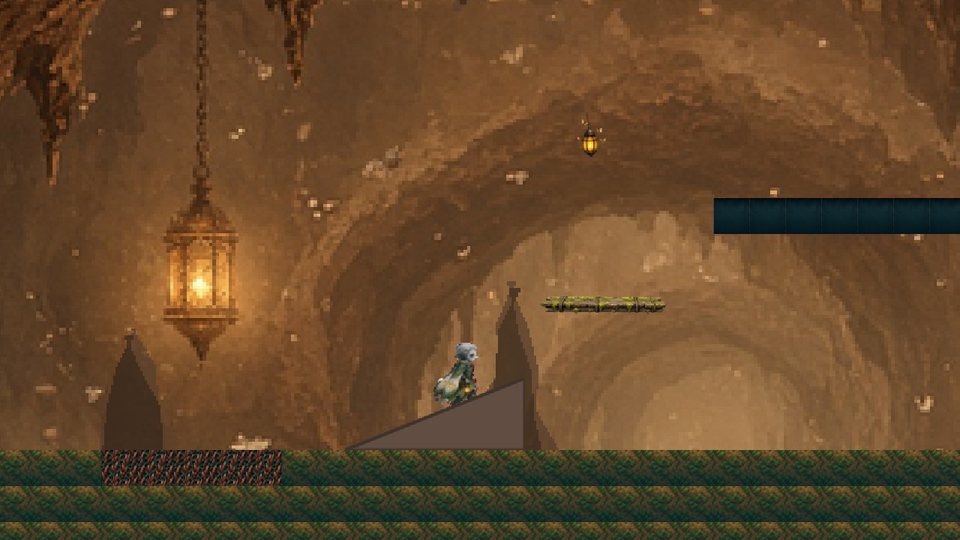
- Paint the floors with a tile grid, then mark tiles in the palette: floor (brown badge) holds the hero, gold is jump-through, red hurts, cracked breaks when the nail hits it. Unmarked tiles are only a picture.
- From Drop in: a Ramp to walk up without jumping, a Jump-through plank, Spikes, and a moving platform (a solid thing with the Patrol ability and gravity 0 carries whoever stands on it).
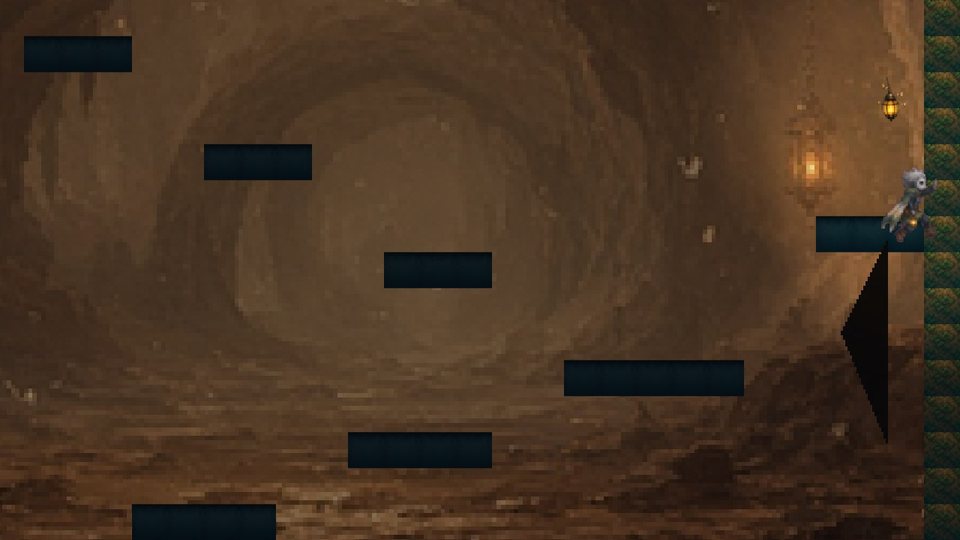
- Turn on Show jump / dash arc while you place ledges. The rule of thumb: every step up no higher than one jump (Mothwell uses 64 and 96px for a 108px jump), and gaps a run can clear.
- A shaft is the same, turned on its side: ledges zigzagging wall to wall, 2 or 3 tiles up each time, with a moving platform across the widest gap.
- Press ▶ Play this screen after every change. Test the climb, not just the look.
The editor checks it for you. In Test & share, anything the hero can't reach is named, with how far out of reach it is — "Wick can't reach Wings on Lamp Hall — about 38px higher than anywhere Wick can jump to". A double jump counts only once its own pickup can be reached.
The nail, and the pogo
Step 2 for the swing, step 4 for the rules
The swing is its own cast member, Nail: a picture of the slash with the
Projectile ability, speed 0 and a life of 0.2s — it
appears, hits whatever it touches, and is gone. Tag it nail.
Aimed held swings the way the arrows point: up while ↑ is held, down in the air while ↓ is held, otherwise forward. The offset puts it at chest height in front of him.
The pogo — bouncing off spikes and enemies with a down-swing:
Tag the spikes pogo — and the enemies, so they can be bounced on too. A sideways hit never bounces.
Enemies
Step 2 to make them, step 3 to place them, step 4 for the fight
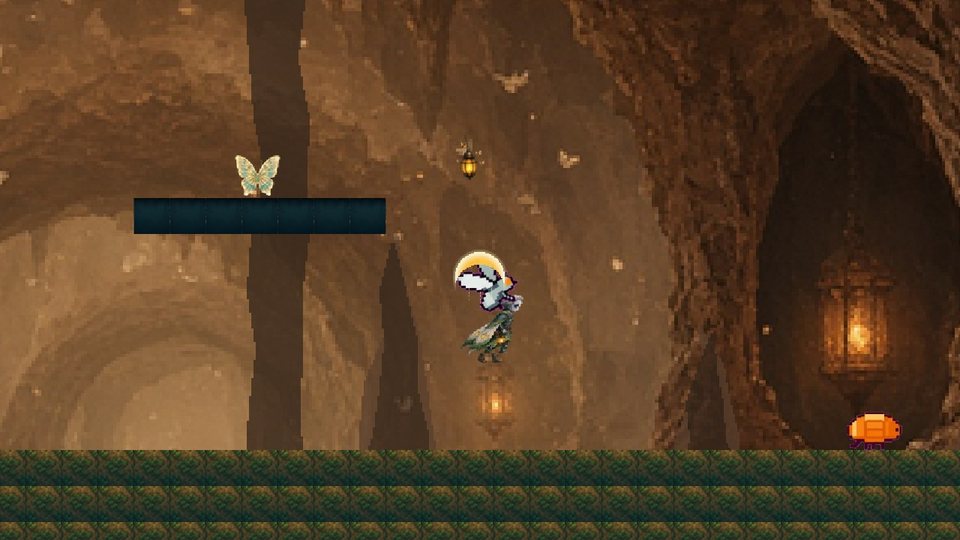
- Draw with AI → Someone new: A walker for something on the ground (Stand, Walk, Hurt), A flyer for something in the air (Fly, Hurt). Or press Enemy under Add someone for a ready one.
- A walker gets Patrol (tick Turn at the edge of a platform); a flyer gets Chase with Chase sideways only off and a detection range — Mothwell's fly notices Wick from 420px and dives.
- Give each
health:2in Starting stats, and the tagsenemyandpogo. - Place them in Build the level. Scale them to size in the Inspector — Mothwell's are drawn at 128px and placed at 0.45–0.5.
The fight is four rules, the same on every screen with enemies:
The iframes matter: after a hit, whoever was hit can't be hit again for that long. Without them a hero standing in an enemy loses his whole health bar in a quarter of a second.
Abilities you find
Step 4 · Rules, and Charms and items
The explorer's reward is a new way to move. Leave the ability unticked on the hero, and switch it on when he touches the pickup — Mothwell's cloak gives the dash:
And so it isn't forgotten at the next door (a kept number, from step 1):
The same shape gives the claw (wallClimb) and anything else on the hero's card. For something
the player chooses to wear, use Charms and items in Rules: a charm has notches and
effects (Moth Wings: 2 notches, maxJumps 2 — a double jump), a Give item rule
hands it out, and the player wears it on the charm board with I.
Gates. A door that needs an ability is a solid thing removed by a rule — When variable hasWings == 1, Destroy all Ability gate. Put it where the player can see it early and come back later.
Healing, benches, talking, the map
Step 4 · Rules
Soul and healing. Kills fill soul (step 5); holding a key spends it:
Benches. The Bench stamp wires a rest spot: touching it stores where he is and
restores his health, and a fall wakes him there. Talking. A Tablet with
When Wick touches Tablet · and Key E was just pressed → Say; everyone stops to listen while the words
are up, and {geo} in the text shows the number. The map needs nothing: hold
M and the rooms walked through are drawn, a room being each Camera room piece.
Darkness and depth
Step 3 · Layers, and step 4 · screen numbers
Darkness is one number: give a screen a darkness value that resets each screen
(Mothwell's chamber: 0.78). Anything tagged light glows through it, and a
lightRadius starting stat gives the hero his own lamp.
Depth is layers scrolling at different speeds. Under Layers, press + Add and set each layer's scroll speed:
| Layer | Scroll | What Mothwell puts there |
|---|---|---|
| Far | 0.15 | the far cavern, painted |
| Middle | 0.45 | stone arches |
| Near | 0.7 | dark rock silhouettes, half see-through |
| Play | 1 | the hero, the floors, everything that collides |
| Front | 1.3 | black stalactites along the top only, in front of the hero |
Paint a far layer with Draw with AI → A background (the price is a fraction of a cent) or Paint a simple one now (free). Keep the front layer thin and at the edges — it is in front of the game, and anything it hides the player can't see coming.
Test and share
Step 5 · Test & share
- Test game plays from the title; ▶ Play this screen from the room you are on. The bar above the game lists the game's own keys.
- Read Before you share: every screen reachable, nothing missing, nothing out of reach.
- Publish. Pick a cover with Use this frame as cover while playing, and Record a clip — a moving game gets looked at.
- On a phone the game gets a stick and a button for every key your rules listen for, on its own.
When it goes wrong
The hero floats above the floor, or sinks into it
His collision box and his drawing disagree. Moves card → Even them out (free).
A movement looks like a different character
Draw one again, or Make it from its standing picture (free).
Something can't be reached
Step 5 names it and how far. Lower it, or add a step, a ramp or a moving platform on the way.
The cloak is forgotten after a door
Its number resets each screen. Make it kept between screens, and re-apply it on scene start (step 6).
An enemy empties the health bar at once
Give the touch rule iframes (0.8s), so one hit can't land sixty times a second.
The swing throws the hero into the air
Only a down-swing bounces. If a forward hit does, the swing's "aimed" is set to down — use held.
Make it yours
- Add a boss at the top of the shaft: an enemy with more health, and a rule that speeds its Chase when its health drops.
- Hide a secret: paint a wall with a tile marked secret, and put a geo cache behind it.
- Lock a door behind an ability you find two rooms later — and make the player see it first.
The finished game is bundled in the editor as Mothwell (Explorer), and its source lives in
apps/editor/src/mothwellTemplate.ts. The pictures in this guide are frames of the game itself.